Solutions for IT Service Management (ITSM)

See exactly where your service tickets get stuck

In a world where SLA targets, resource constraints, and process inefficiencies are everyday challenges, IT teams need more than just traditional tools. Process.Science acts as the universal translator between ITSM and DevOps, making ticket ping-pong, SLA violations and endless loops visible, fully automated across your entire toolchain.
The reality in unoptimized service organizations
34%
Of all tickets pass through multiple departments (ping-pong) several times before being resolved.
Locked
Resources due to constant deviations from the defined "happy path" that force manual rework.
SLAs at risk
Tickets often remain unnoticed in queues, leading to broken service-level agreements and penalties.

Your ITSM Dashboards in Action

We answer the questions where classic Jira or ServiceNow reports fail. See data-driven insights on where your service processes get stuck and where ITSM and DevOps teams lose each other along the way.
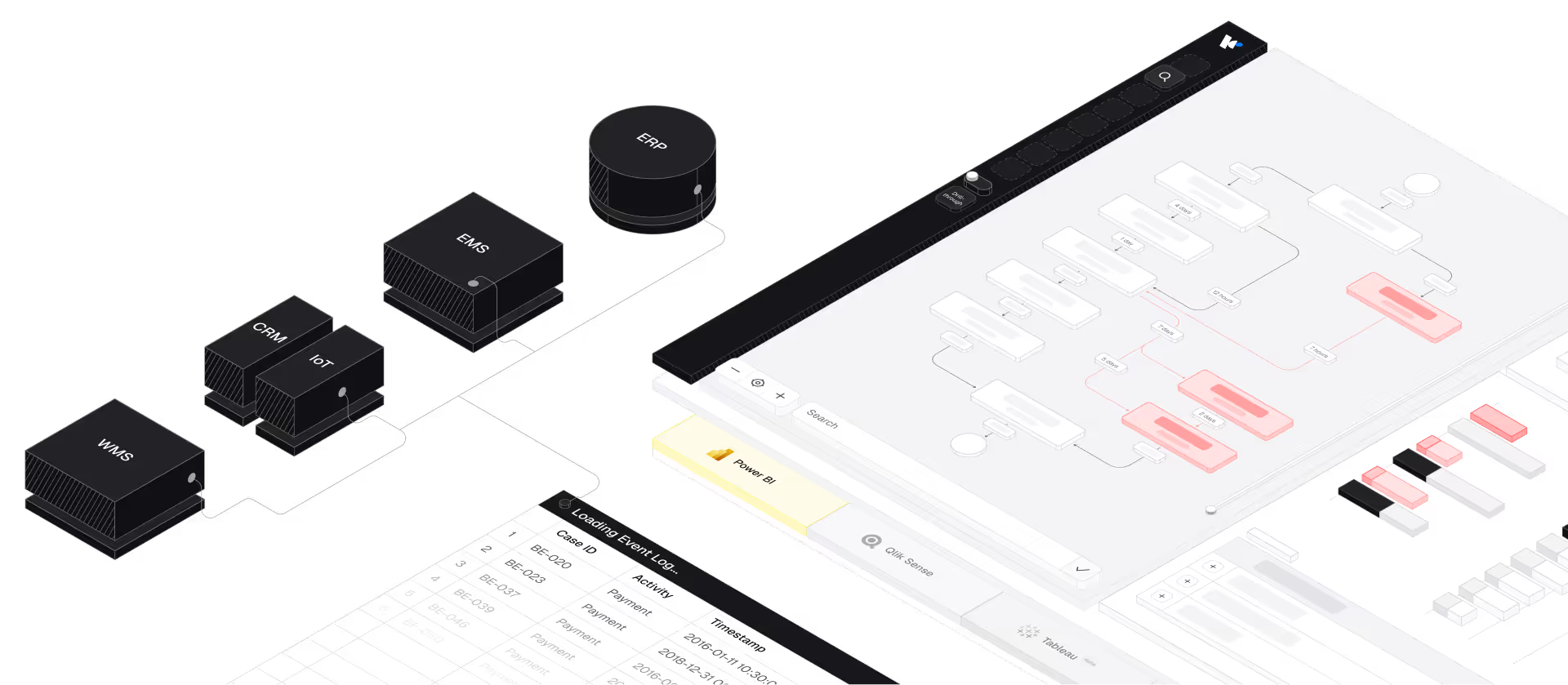
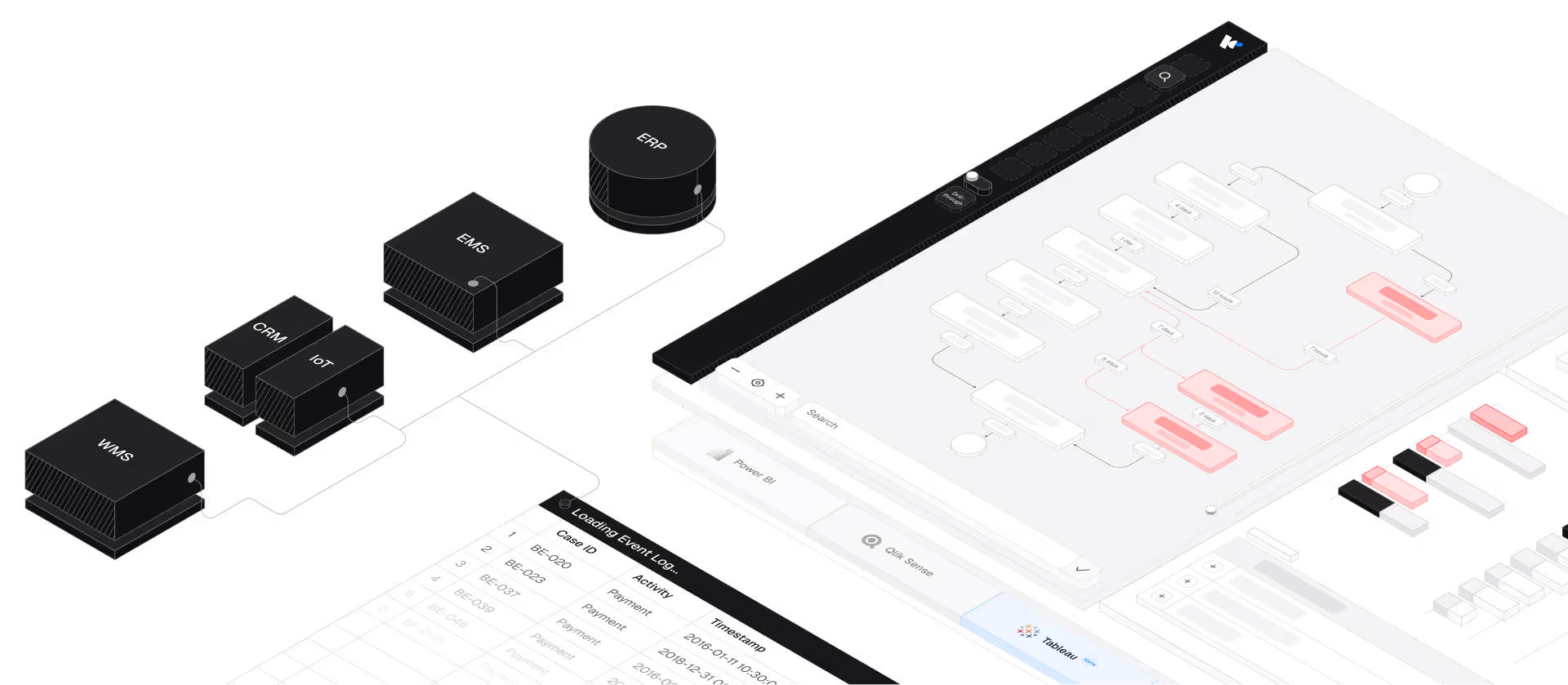
Diagram showing interconnected software modules labeled WMS, CRM, IoT, EMS, and ERP linked to a digital dashboard displaying flowcharts and data tables in business intelligence platform Power BI.
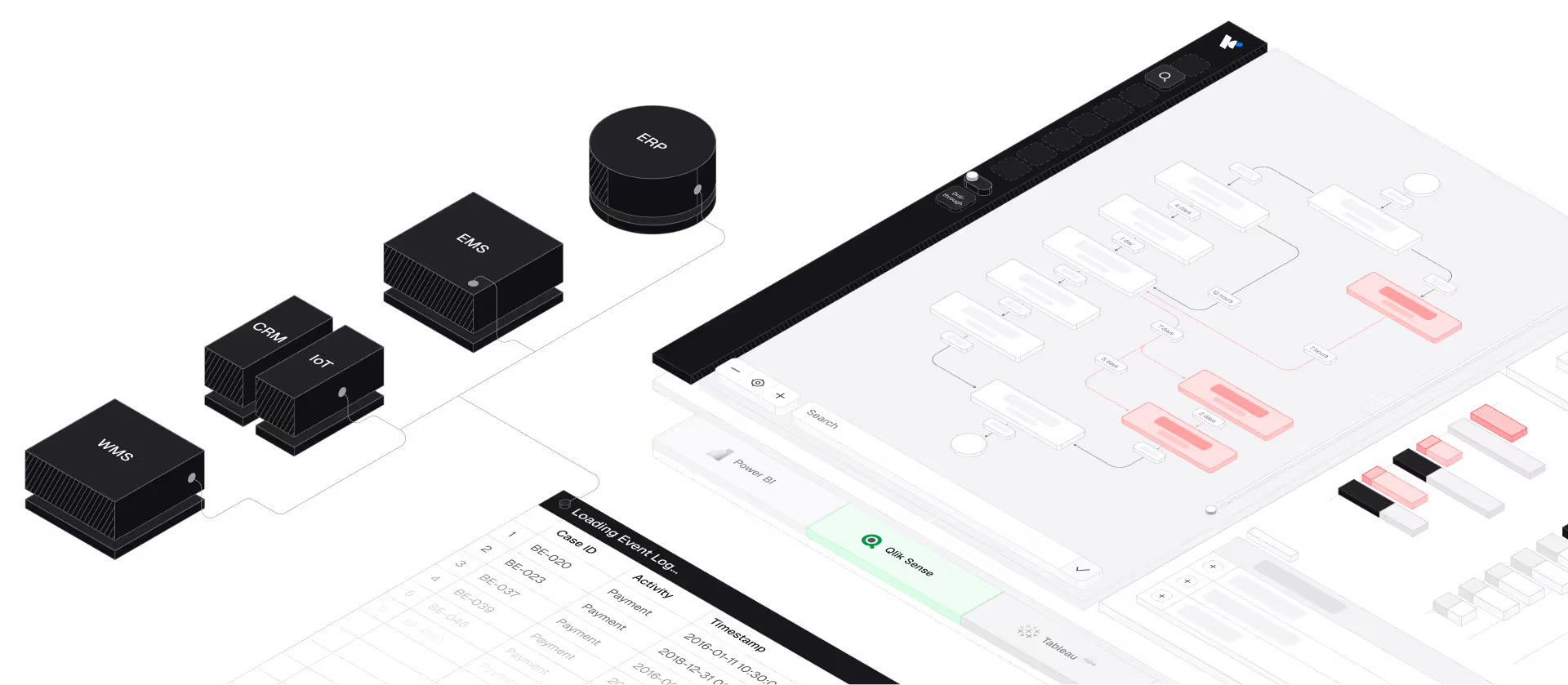
Diagram showing interconnected software modules labeled WMS, CRM, IoT, EMS, and ERP linked to a digital dashboard displaying flowcharts and data tables in business intelligence platform Qlik Sense.
Diagram showing interconnected software modules labeled WMS, CRM, IoT, EMS, and ERP linked to a digital dashboard displaying flowcharts and data tables in business intelligence platform Tableau.
Idle Times & Rework

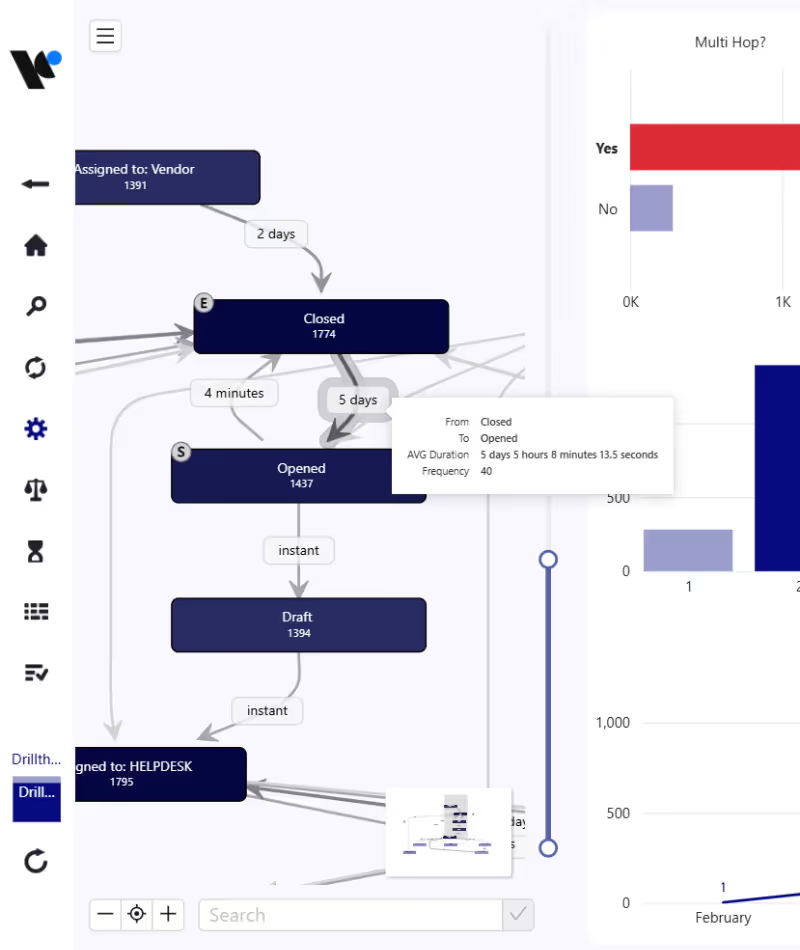
Uncover Ticket Ping-Pong & Loops

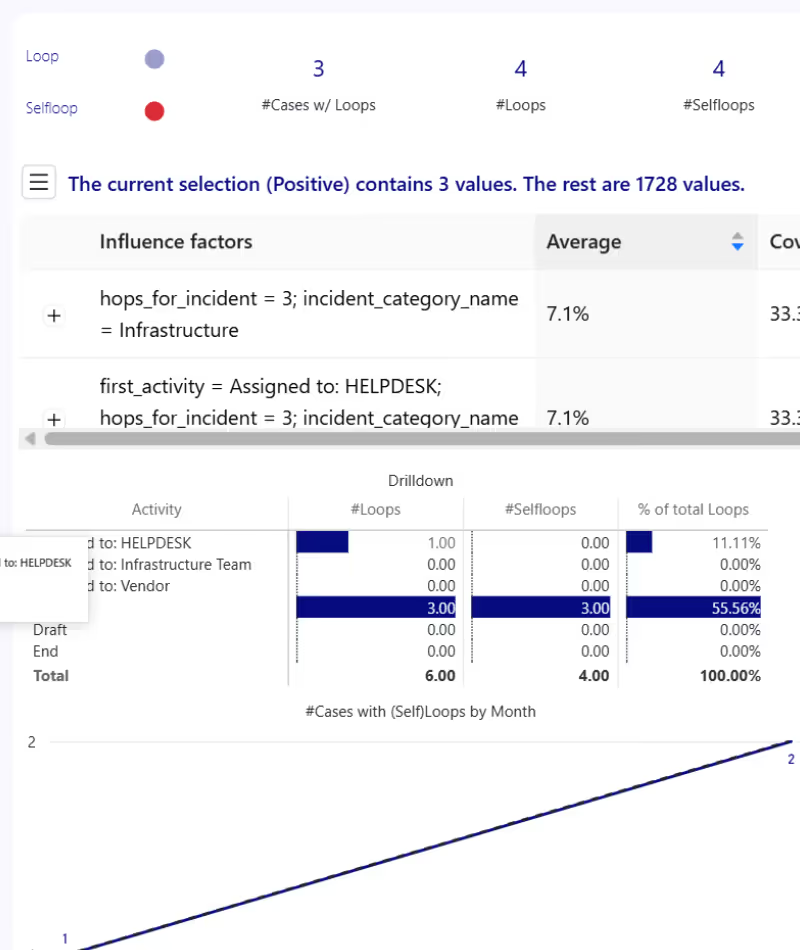
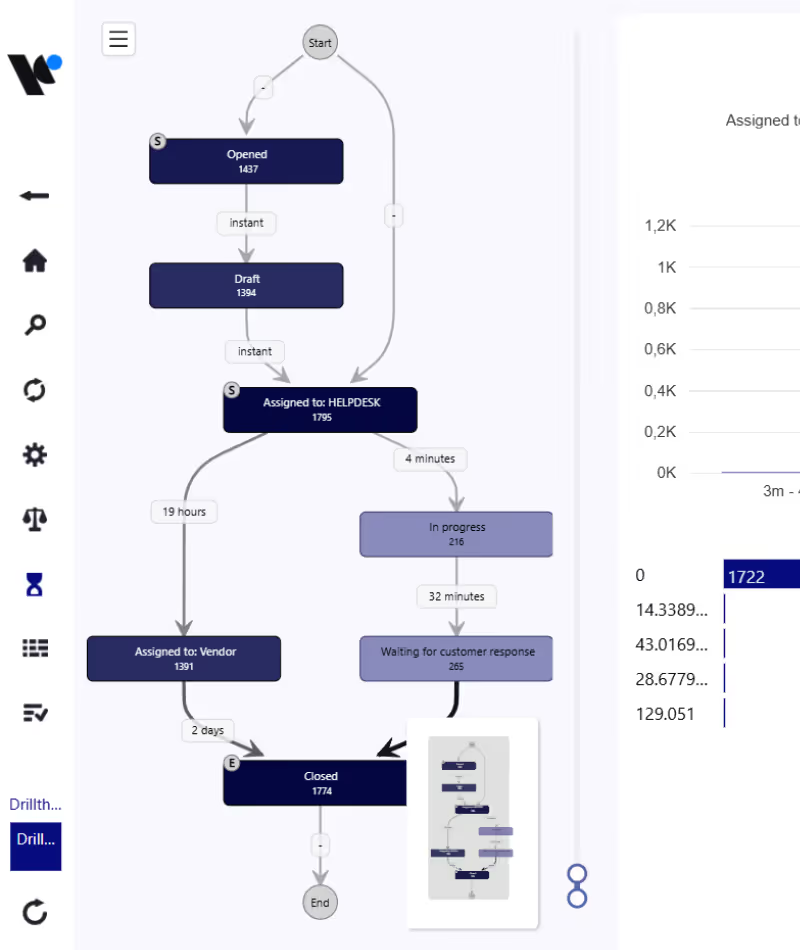
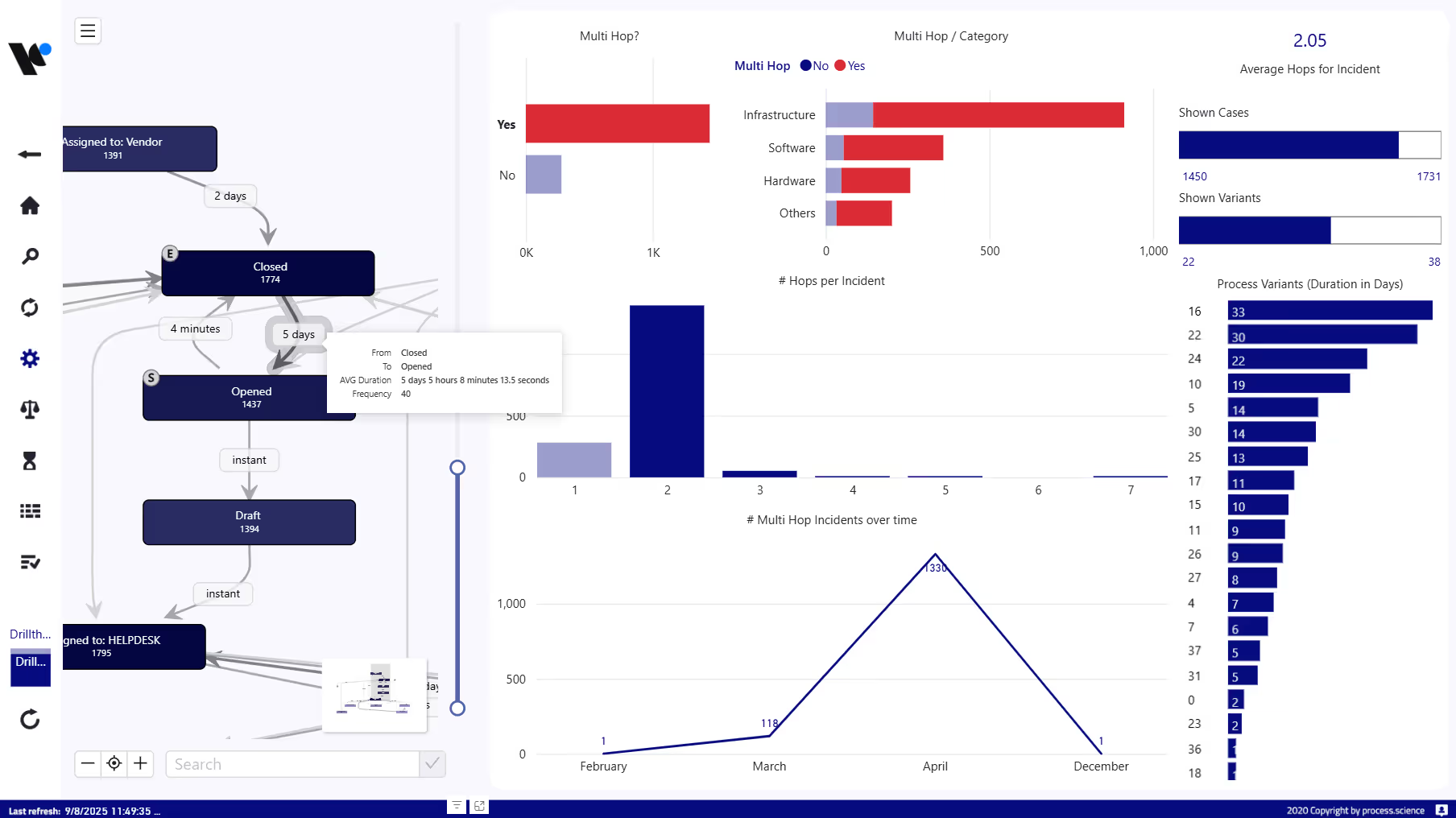
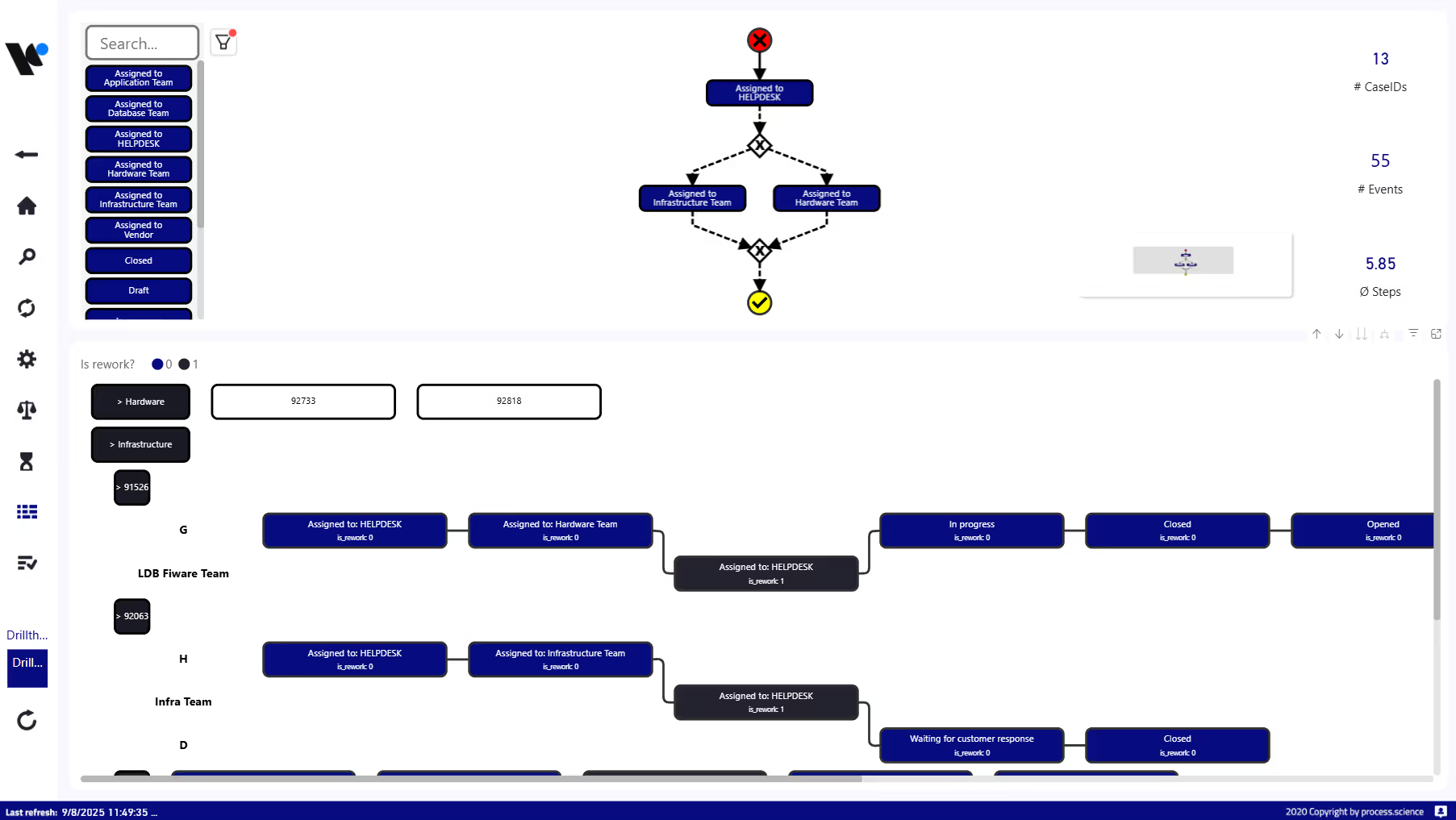
How often are tickets moved? Where do unnecessary handoffs occur? When tickets circulate between 1st-level, 2nd-level, and specialist or DevOps teams, efficiency drops and frustration rises.
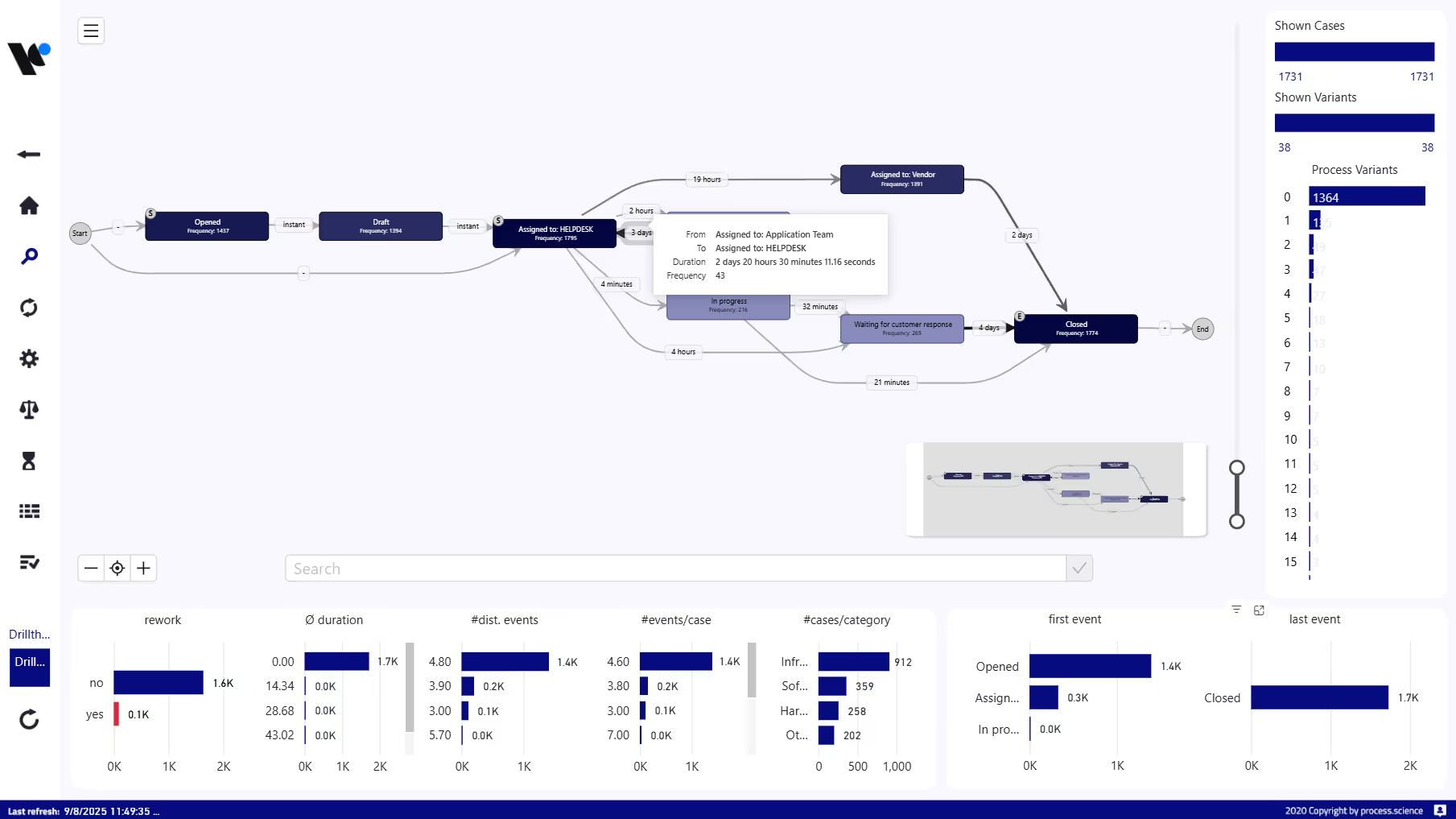
Rework Analysis: Precisely visualize which transitions agents use most frequently and their impact.
Idle Time Tracking: Identify in which status transitions (e.g., “Waiting for Customer”) tickets actually spend most of their time.
Root Cause Analysis: Identify support groups that are regularly overloaded and act as bottlenecks.
Process.Science Service Management Multi Hop Dashboard in Power BI
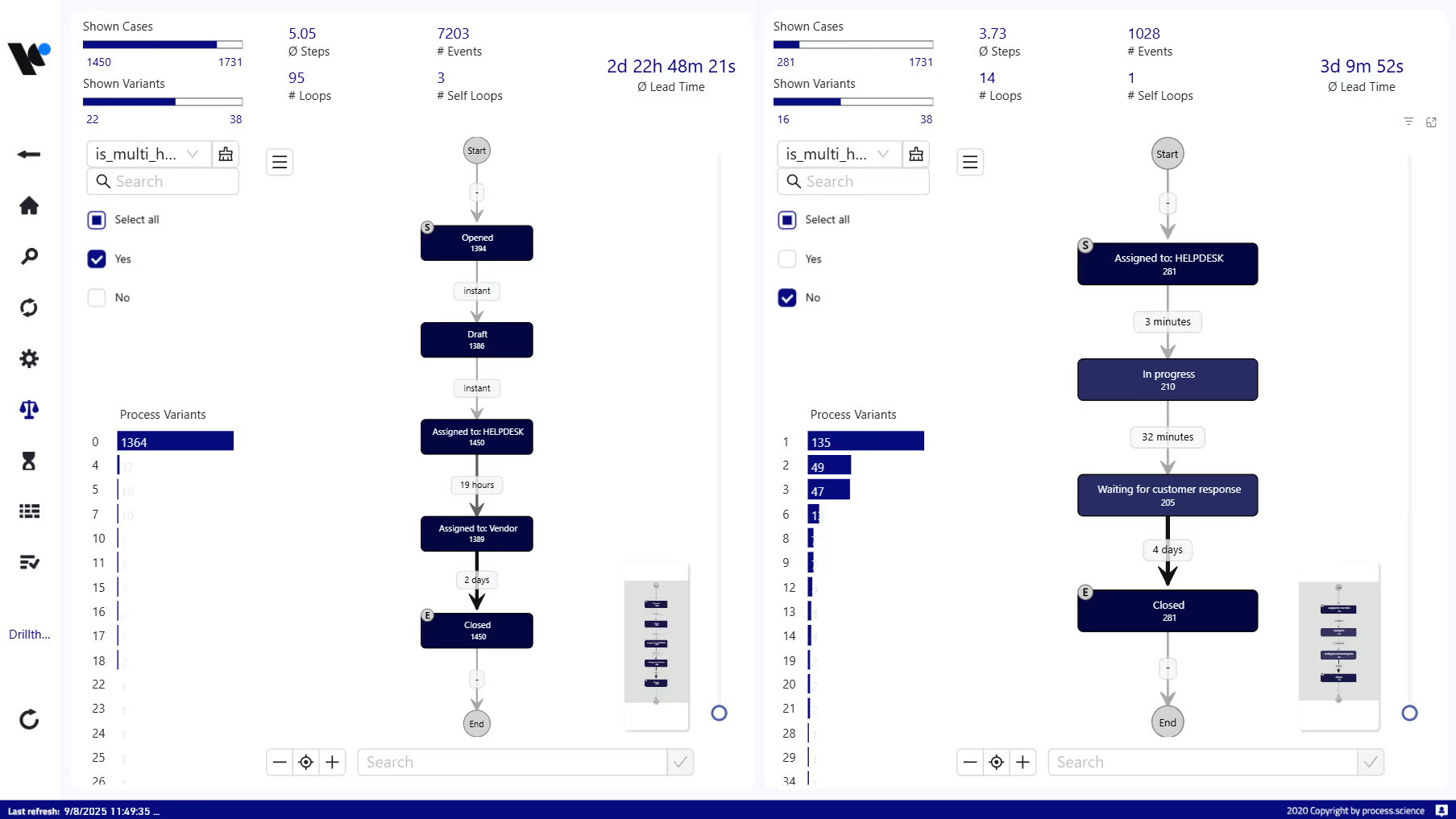
Process.Science Service Management Benchmark Dashboard in Power BI
Performance & SLAs

Proactively Prevent SLA Violations

A classic dashboard shows you at month-end how many SLAs were breached. Process Mining shows you during the month which process variants actually cause these delays, and why your Mean Time to Resolve (MTTR) keeps climbing while Lead Time for Changes rises too.
Benchmarking: Compare workflows across different time periods, support levels, or locations.
Prediction: Identify patterns in tickets that are highly likely to
exceed their resolution time.
Reduce MTTR: Lower your Mean Time to Resolve by targeted
elimination of process blockers.
Process Compliance

Enforce the “Happy Path”

In theory, there is a perfect ITIL-compliant process. In reality, there
are hundreds of deviations. How much do your actual workflows
deviate from the defined "Happy Path"?
Compliance Check: Automatically compare your target processes with the unvarnished ITSM reality.
Variant Filter: Use visual filtering to specifically examine outliers and perform root cause analyses.
Automation Potentials: Identify high-frequency standard paths ideal for RPA or script automation.
Process.Science Service Management Rework Dashboard in Power BI

From Jira & ServiceNow to Process Intelligence

Powered by our Data Preparation Tool (DPT), Process.Science connects to your ticket systems, from Jira Service Management and ServiceNow to Azure DevOps, and turns the event logs they already generate into process intelligence. For a quick "proof of value," you only need the basic process data your systems already produce.
Compatible with:
Jira Service Management
ServiceNow
Azure DevOps

01. Data Extraction

We connect your ticket systems. Every status change, comment, and assignment is recorded as a digital footprint.

02. Event Log Generation

We connect your ticket systems. Every status change, comment, and assignment is recorded as a digital footprint.
Our USP

03. Flexible Integration

This is where Process.Science stands apart. The visually prepared insights are calculated directly in your existing Power BI or Microsoft Fabric or on the Process.Science platform.

04. Actionable Insights

You immediately see where handoffs stall, so you can act with better self-service portals, automated diagnostic scripts, and clearer routing between ITSM and DevOps teams.
Security by Design

Built for IT departments: Highest Data Security. With Process.Science, you retain full control over your ITSM data while simultaneously driving dynamic IT process optimization

No one knows better than IT itself how risky it is to transfer internal support and system data to external cloud silos. That’s why we chose an architecture admins love.

Your Infrastructure

Our solution integrates natively into your existing Power BI or Microsoft Fabric or runs on the Process.Science platform. Ticket data never leaves your protected corporate environment.

Certified Secure

ISO 27001 certification and 100% GDPR-compliant data processing “Made in Germany”.

Governance & Compliance

Roles and permissions from Azure AD or your BI system are seamlessly adopted.

Measurable Service Excellence

Process.Science bridges the gap between traditional service processes and agile DevOps methods, turning ITSM and DevOps from adversaries into allies. Our customers drastically transform their service management:
Leading IT Service Company: Reduced ticket resolution time (MTTR) by 35% by eliminating unnecessary 2nd-level escalations.
Global Financial Services Provider: Increased SLA compliance from 82% to 98% through proactive bottleneck detection in ServiceNow.
European Software Corporation: Identified high-frequency standard tickets in Jira and successfully automated them, saving hundreds of support hours monthly.
Any more questions?

Frequently Asked Questions from IT

The most important answers for IT service managers and DevOps teams.
Do we need to export our Jira or ServiceNow data to an external cloud?

No! That is the biggest advantage of Process.Science. Our technology runs as a native plugin directly within your Power BI or Qlik Sense. Your sensitive ticket and user data remain completely within your own secure IT infrastructure.

We have very customized Jira workflows and countless custom fields. Can you support that?

Yes. Process Mining is flexible. We extract the raw event logs (ticket ID, status changes, timestamps, user) as well as all relevant custom fields you need for your analysis. Our system adapts to your workflows, not the other way around.

We already use reporting in ServiceNow. Why do we need process mining?

The standard reporting shows you static metrics: for example, that you missed 40 SLAs last month. Process Mining is dynamic and shows you why: it visualizes the actual path of tickets, uncovers hidden ping-pong loops, and shows you exactly at which transition the crucial time was lost.

Can we compare the performance of different support teams (e.g., 1st vs. 2nd level)?

Absolutely. Process.Science enables detailed benchmarking of workflows. You can filter and compare processes across different time periods, locations, or support levels. This way, you identify best practices in one team and can transfer them to others.

How long does the setup take for an initial test (PoC)?

Getting started is extremely efficient. Since we don’t need to build new infrastructure, we usually require only 1-2 days for initial setup and first results. During our 4-week proof of concept, we then jointly uncover specific areas for action.

Transparency in 30 Days

Test Process.Science on your Ticket Data

Request our free one-pager. Learn how our Proof of Concept (PoC) works and how we uncover ticket ping-pong and SLA issues in just 4 weeks.
Support by ITSM Specialists
Analysis directly in Power BI, Microsoft Fabric, or the Process.Science platform, whichever you prefer
100% GDPR-compliant and secure
By sending the request, you agree to Process.Science’s Privacy Policy
Thank you! Your submission has been received!
You will receive an E-Mail with a confirmation Link.
Oops! Something went wrong while submitting the form.