Intuitive Process Intelligence

The shortest path to process excellence

Process.Science Intelligence gets you there without a data science team. An AI that knows your process context finds the root causes automatically, every finding keeps the evidence behind it, and you hear about it when your process starts to drift.

Insights Drive Performance

Everything we build starts with that sentence. Intelligence is the shortest way we know from raw process data to a finding worth acting on.
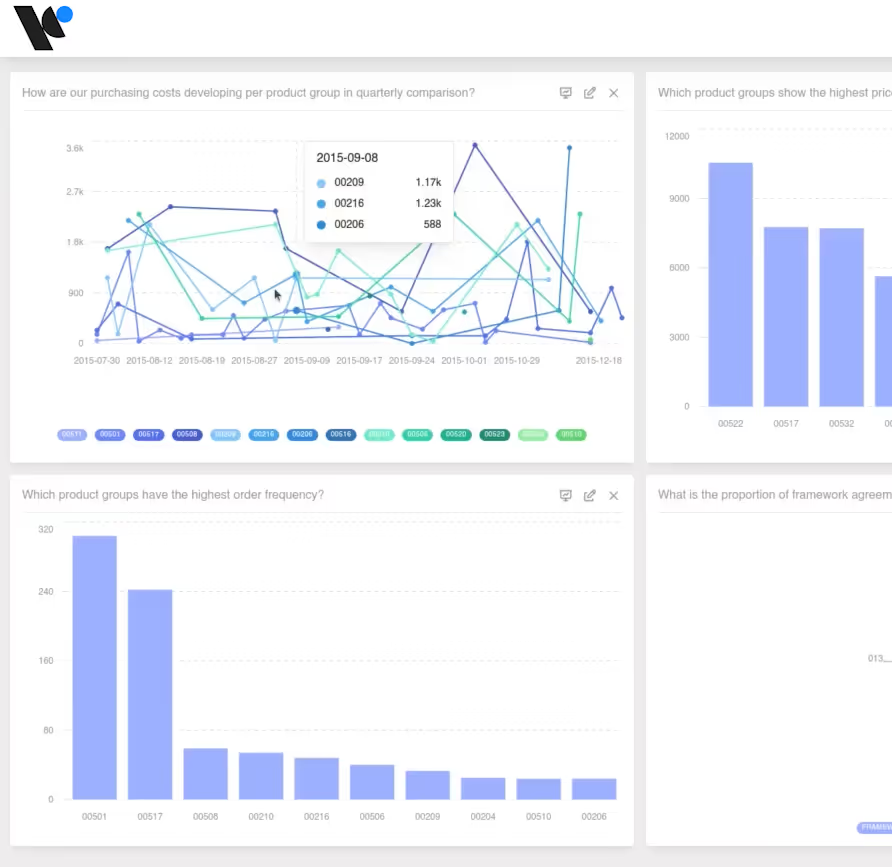
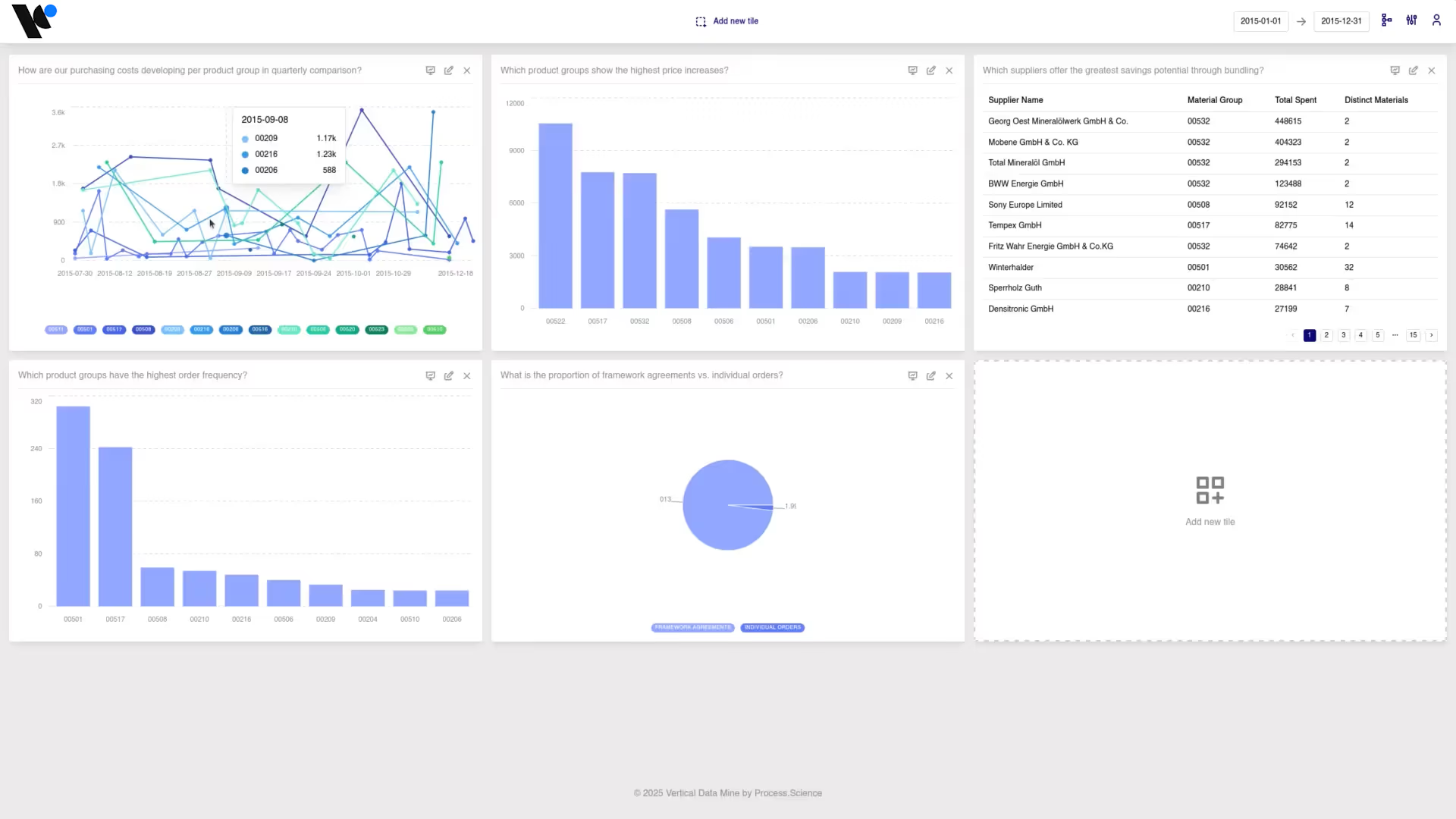
Overview page of the Process.Science Intelligence dashboard with process graph and charts
Benchmark comparison of two processes in Process.Science Intelligence
Case details for an individual order in Process.Science Intelligence
Detailed process graph in Process.Science Intelligence
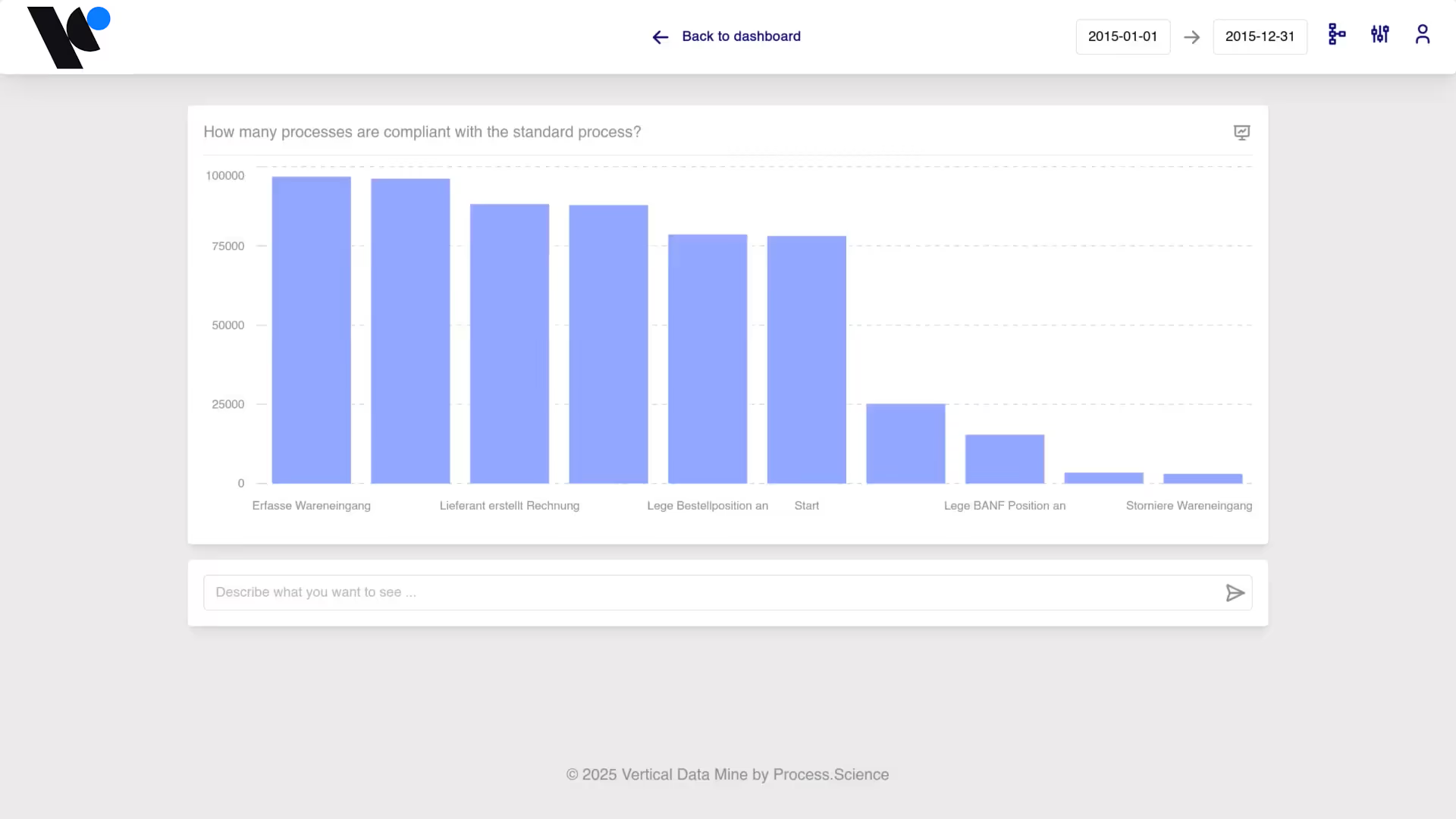
Conformance view in Process.Science Intelligence showing deviations from the target process

Day one, not month three

Our Data Preparation Tool turns your source tables into a clean event log and Intelligence arrives with process norms already in place. Your first analysis and your first alerts run on the first data set, without a modelling project in front of them.

Straight to the cause

An AI that knows your process context searches for the drivers behind a problem by itself and ranks them. You skip the step where someone turns a chart into a hypothesis and tests it by hand.

Knowledge that stays

Every insight is stored with the evidence behind it. Next quarter nobody rebuilds the same analysis, because last quarter's answer is still there and still verifiable.
The Process.Science formula

From what happened to what to do about it

Dashboards

Tell you that something happened. Lead time went up, the discount was missed, the SLA slipped. A reliable picture of the outcome.

Process Mining

Shows you how it happened. The real flow, the variants, where cases wait and where they loop back.

Process.Science Intelligence

Tells you why! The drivers behind the problem, the cases affected, and every finding kept with its evidence, so the next decision starts where this one ended.
Would you rather run process mining inside Power BI?

Your processes decoded in five moves

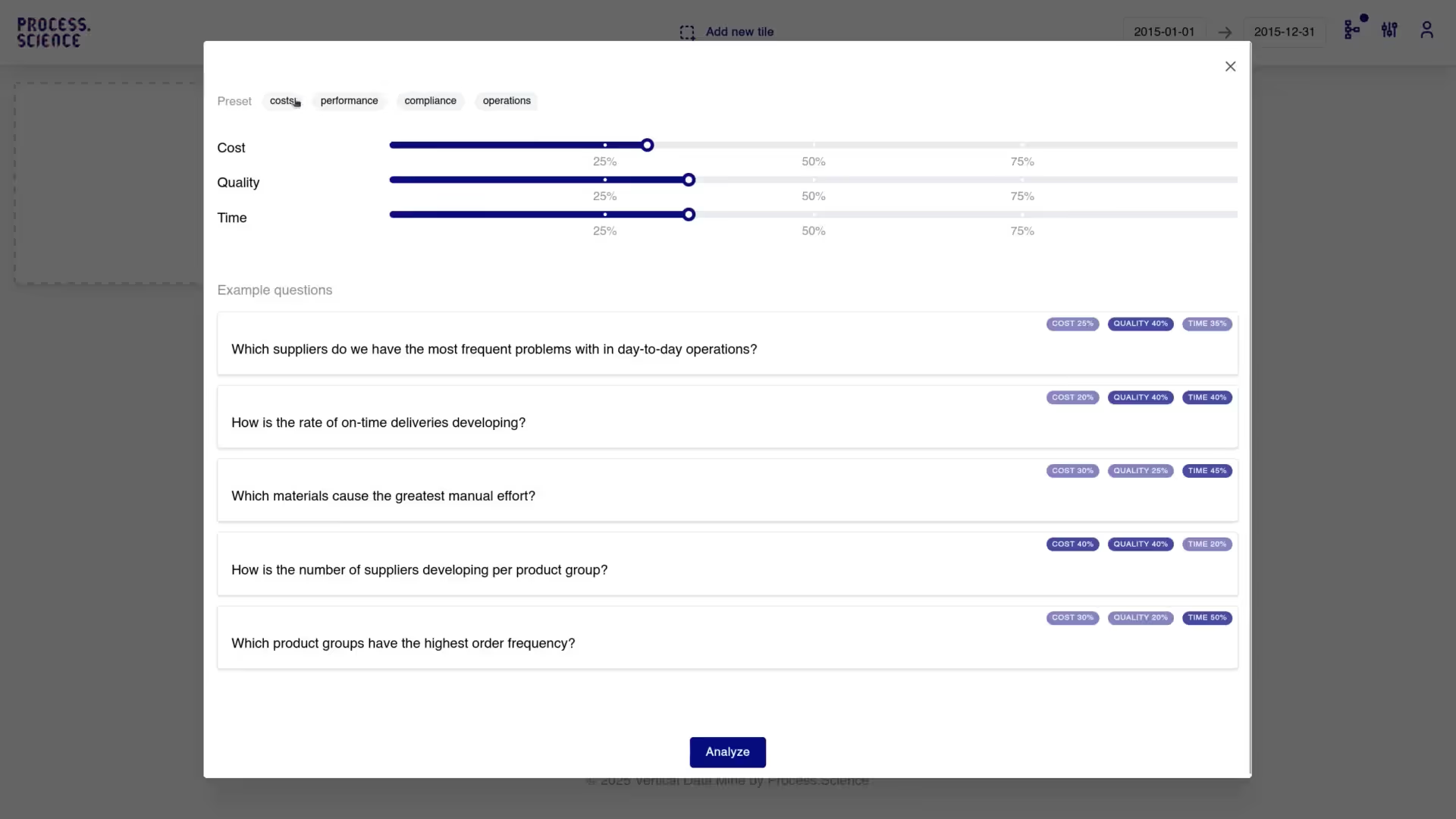
Intelligence is not a single view. Setup defines what good looks like. Analysis shows what actually happens. Insights hold what you found. Chat answers your questions in plain language. Alerts tell you when reality drifts.
Setup

Define what good looks like

Setup holds the process knowledge that turns raw events into an analysis worth trusting.  The baseline, visible for all.
Default norms included: Intelligence brings process norms out of the box, covering the deviations every process has. Your first analysis and your first alerts work on day one.
Your KPIs, your language: Define the metrics your organisation actually steers by and the segments you want to look at. Everything downstream speaks in those terms.
Target processes instead of a rulebook: Store reference flows and let the rules follow from it, rather than writing out dozens of individual norms.
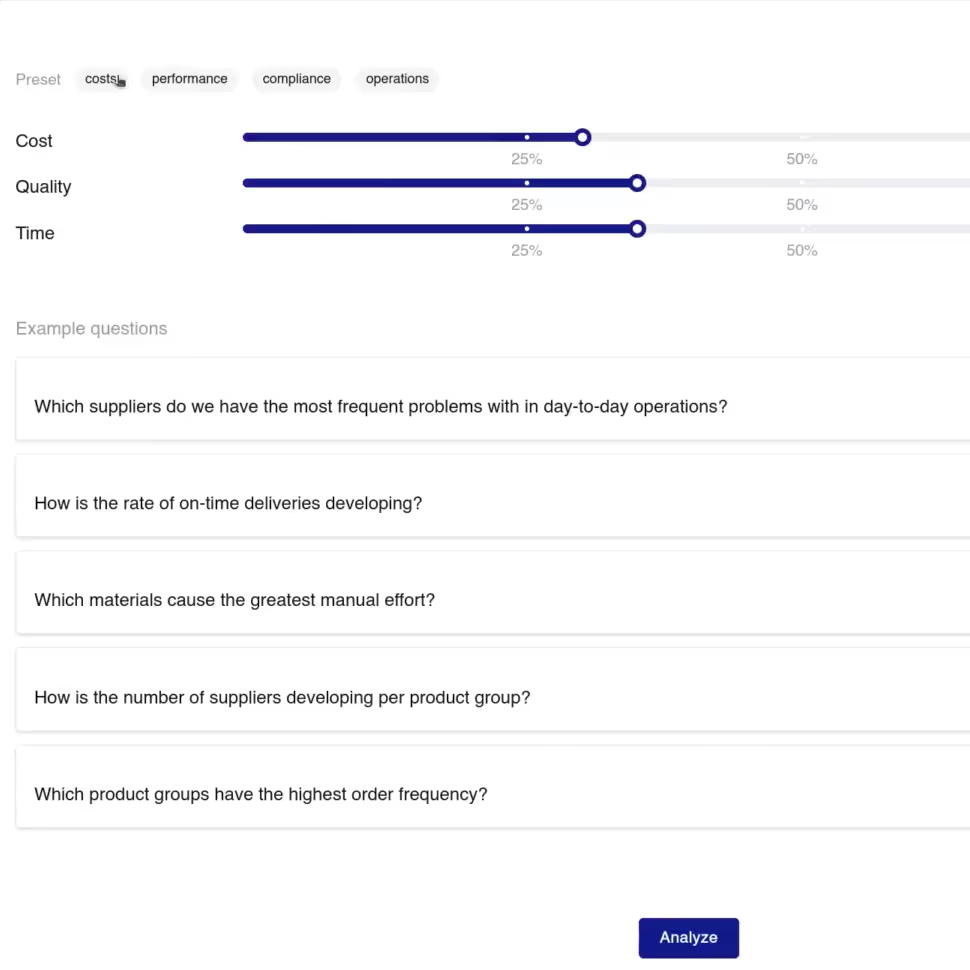
Setup view in Process.Science Intelligence where process norms, KPIs and target processes are defined
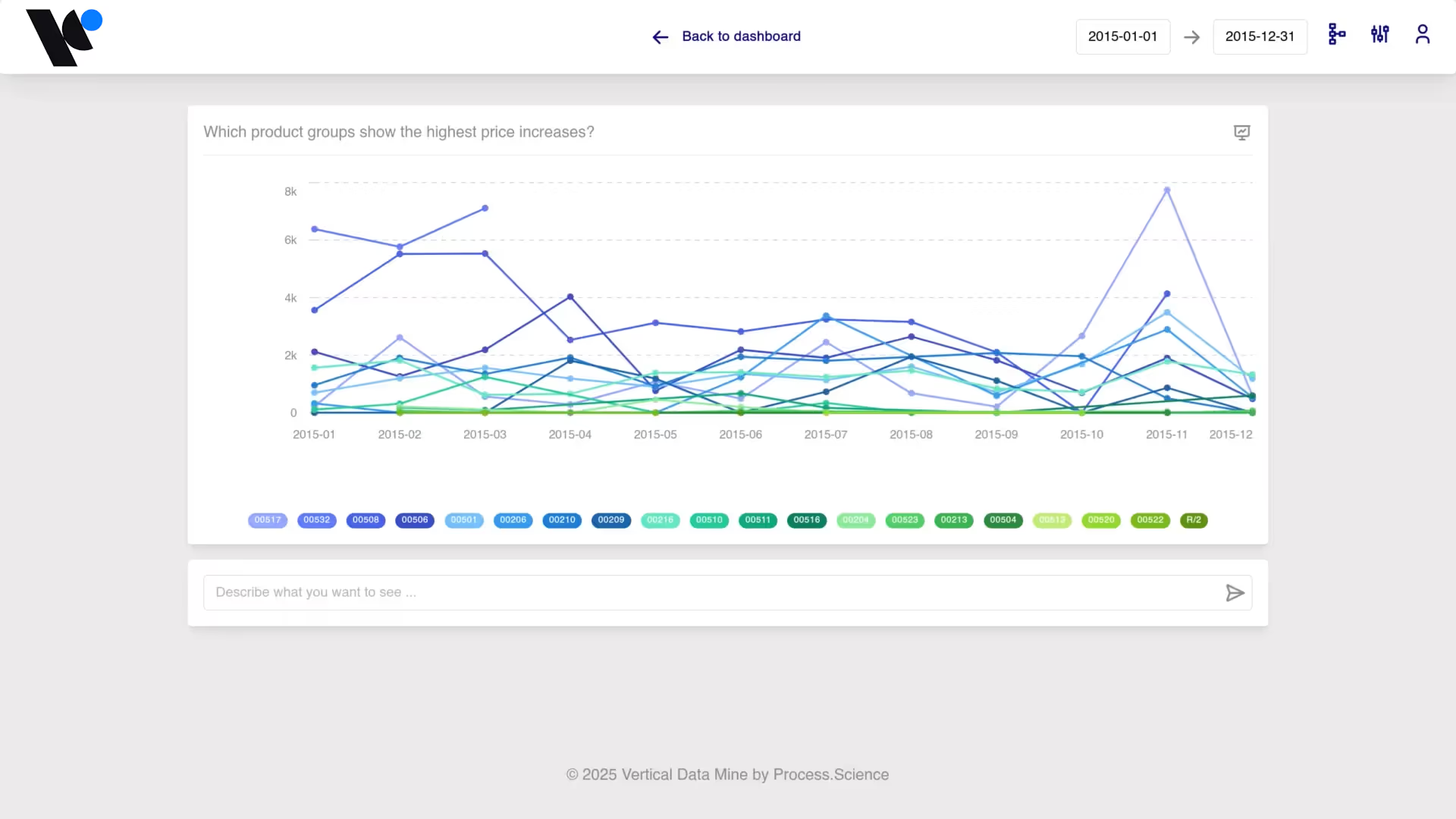
Root cause analysis in Process.Science Intelligence ranking the drivers behind delayed cases
Analysis

One continuous investigation

Analysis is where you find out what actually happens. Not one dashboard trying to answer everything, but eight tools built for the questions process people really ask.
From overview to root cause: Process overview, activities, variants, lead time, deviations, comparison and root cause analysis. Each one answers a different question about the same data.
Your investigation keeps its thread: A selection you make in one tool travels with you into the next. You follow a suspicion instead of rebuilding your filters every time you change the view.
Real variants, not one idealised flow: Intelligence reconstructs how the process actually ran, in all its variants and shows you which of them carry the cost.
Insights

Findings that survive the meeting after the meeting

An analysis is only worth something if it still holds up when someone challenges it three weeks later. Insights make every finding reproducible.
Evidence travels with the finding: Each insight stores the tool, the time window, the filters, the selection, the affected population and the version of the data set it was based on.
From finding to opportunity: Promote an insight to an opportunity, add the affected population and the estimated impact, and keep observed data and your own assumptions clearly apart.
Ranked, not just listed: The Opportunity Map puts your findings in order of what they are worth, so the next conversation starts with the biggest one.
Insights view in Process.Science Intelligence storing each finding with its evidence and affected population
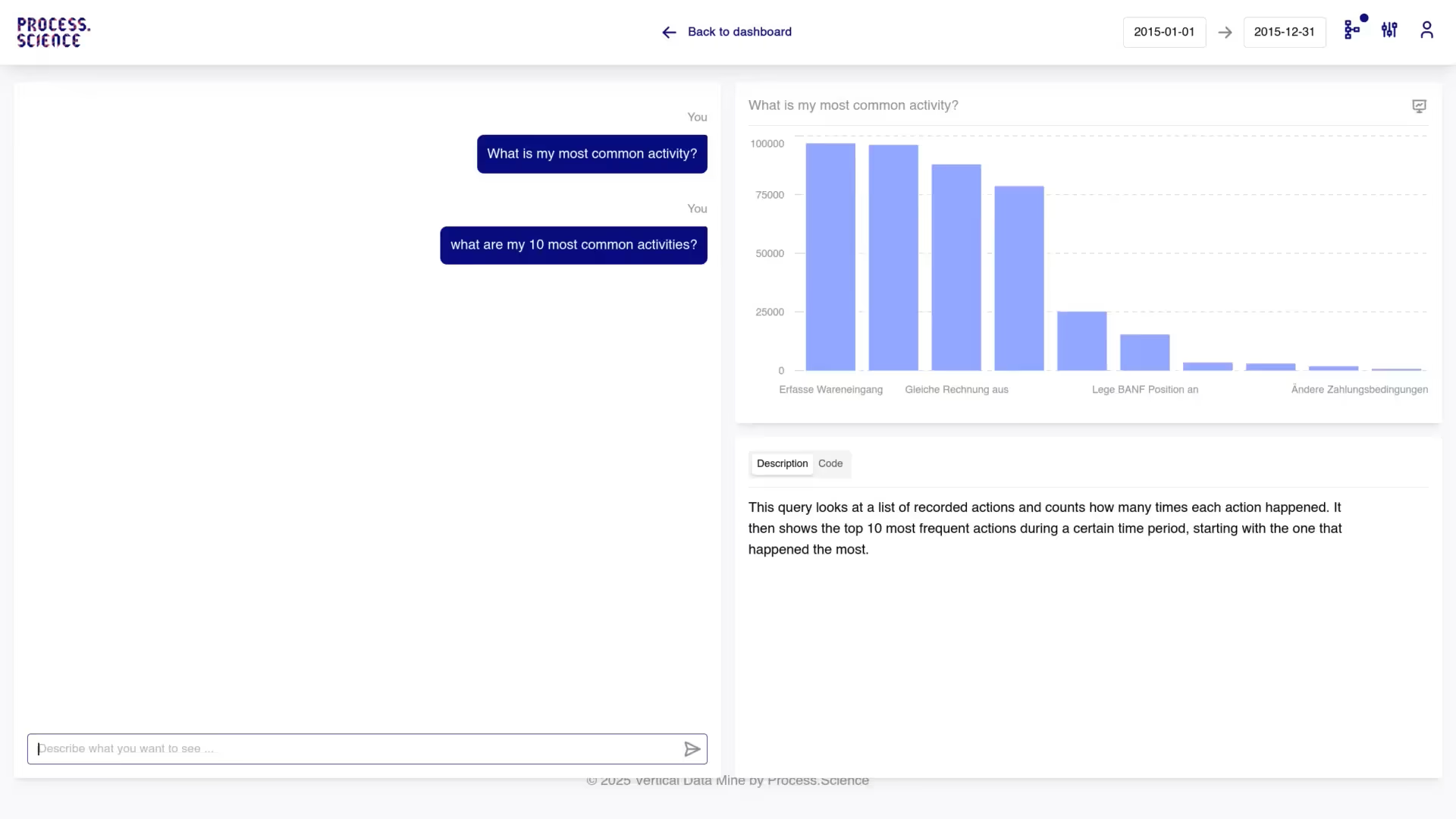
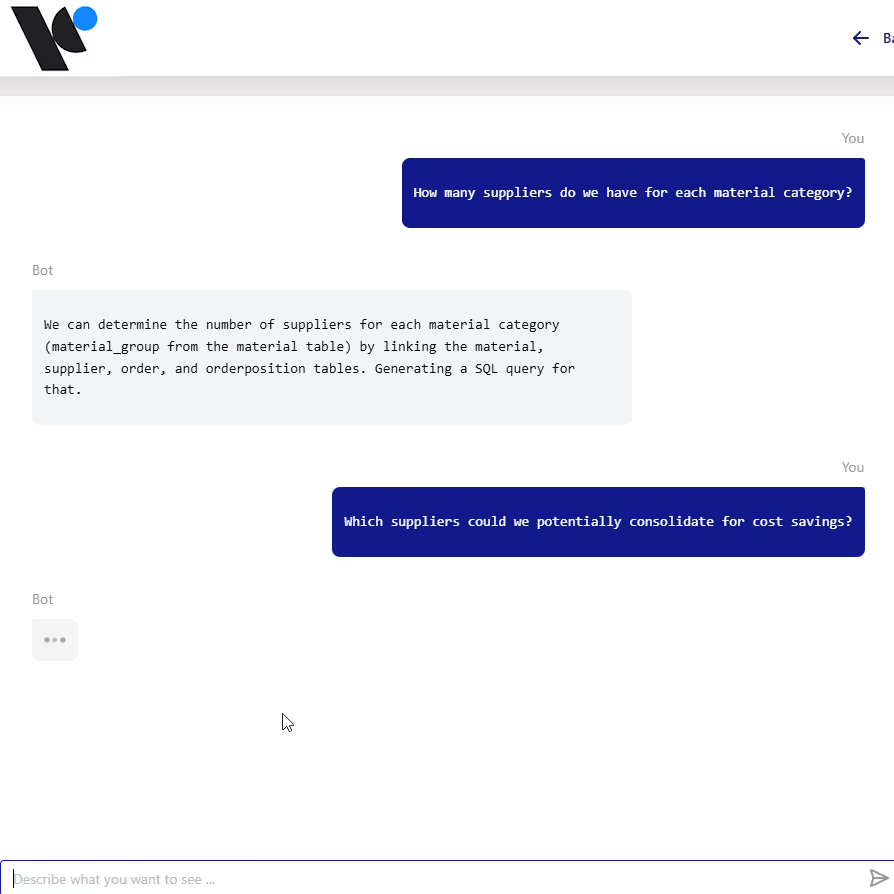
Chat in Process.Science Intelligence answering a process question in plain language from the underlying event data
Chat

Just ask instead of filtering for hours

Why was procurement lead time 20% higher last month? Instead of clicking through filter combinations, ask the AI.
Plain language: Ask your question the way you would ask a colleague. Intelligence translates it into the process mining query behind it and answers in seconds.
Grounded in the actual numbers: The answers are not a language model's guesses. They come from the exact calculations behind your process data, in the context of the process you have set up.
Stay in the thread: Ask a follow-up. „Does this also apply to supplier XY?" adjusts the analysis without starting over.
Alerts

Know when your process drifts

Analysis tells you what happened. Alerts watch what is happening now. Because Intelligence ships with default process norms, monitoring works from the first data set, without a modelling project first.
Norms from day one: Default norms cover the deviations every process has: rework loops, skipped steps, sequence breaks, unusual waiting times. Refine them in Setup whenever you want to be more specific.
Deviation, not noise: An alert carries the context that makes it actionable: which cases are affected, how many, and where in the process it happens.
From alert to root cause: Every alert opens into the analysis behind it. One click from „something changed" to „here is why".
Alerts in Process.Science Intelligence flagging a process deviation with the affected cases
Secure AI usage

Enterprise AI, without compromises on data privacy

Generative AI in a corporate environment usually fails at one question: do our trade secrets end up in a public language model?With Process.Science Intelligence they do not.

Isolated LLMs

We use secure, ring-fenced enterprise language models. Your event logs and process data never train public AIs.

Certified

Process.Science operates 100% GDPR-compliant and is ISO 27001 certified.

Access Management

Access rights are defined per user, so everyone can only query the processes and data they are authorised for.
Get started

See Intelligence on your own data

Move from visibility to understanding. We set Intelligence up on your extracted ERP data, and you see your own processes instead of a demo data set.
Runs on your own data
Direct line to the Process.Science team
No data science expertise required
By sending the request, you agree to Process.Science’s Privacy Policy
Thank you! Your submission has been received!
You will receive an E-Mail with a confirmation Link.
Oops! Something went wrong while submitting the form.
Any more questions?

Questions we get asked

The answers IT, data and process teams look for first.
What do you need from us to get started?

Extracted data from your operational systems, typically ERP, and for most processes that means a handful of tables. Our Data Preparation Tool turns them into a clean event log, so you do not have to arrive with a finished one. If you already have an event log, we can work with that too.

Do we need an existing BI system like Power BI for PSI?

No. Unlike our well-known integrations for Microsoft or Qlik, process.science Intelligence is designed as a completely standalone platform. All you need are your extracted ERP data.

How can alerts work before we have defined any process norms?

Intelligence ships with default process norms that cover the deviations every process has: rework loops, skipped steps, broken sequences, unusual waiting times. Monitoring therefore starts with your first data set. In Setup you can sharpen those norms, or store a target process as a reference, whenever you want to be more specific about your own business.

What does „automated root causes" actually mean?

You do not have to form a hypothesis and then filter your way towards it. Intelligence searches your data for the factors that drive a problem by itself, for example one supplier, one plant or one order type appearing disproportionately among the delayed cases, and ranks them by how strongly they are associated. It then shows you the evidence behind each one, so the finding can be checked rather than believed. The last step, deciding that a driver is the cause and acting on it, stays with the people who know the business.

Can we rely on the numbers the chat gives us?

Yes, because the chat does not estimate them. Your question is translated into a query against your process data, and the answer comes from the same calculations that produce the analysis views. Every finding you keep as an insight stores the tool, the time window, the filters, the selection, the affected population and the data set version, so anyone can check the number later.

Who works with Intelligence, and do we need a data scientist?

No data science expertise is required. There are three roles: an Admin for projects and data sets, an Analyst who configures Setup and runs the analyses, and business users who read insights and ask questions in the chat. Most of the day-to-day use sits with people who know the process, not the database.

Where does our data live, and where does the AI run?

Your process data stays inside the environment agreed with you and is never used to train public models. The language models we use are ring-fenced enterprise models. Process.Science operates GDPR-compliant and is ISO 27001 certified, and access rights control which processes and data each user can query.

How does Intelligence fit together with the rest of the platform?

The Data Preparation Tool builds and maintains the event logs, Intelligence analyses them, and the IoT Miner adds machine and sensor data where your process reaches the shop floor. They work together, and each one can be used on its own.