Automated Data Preparation

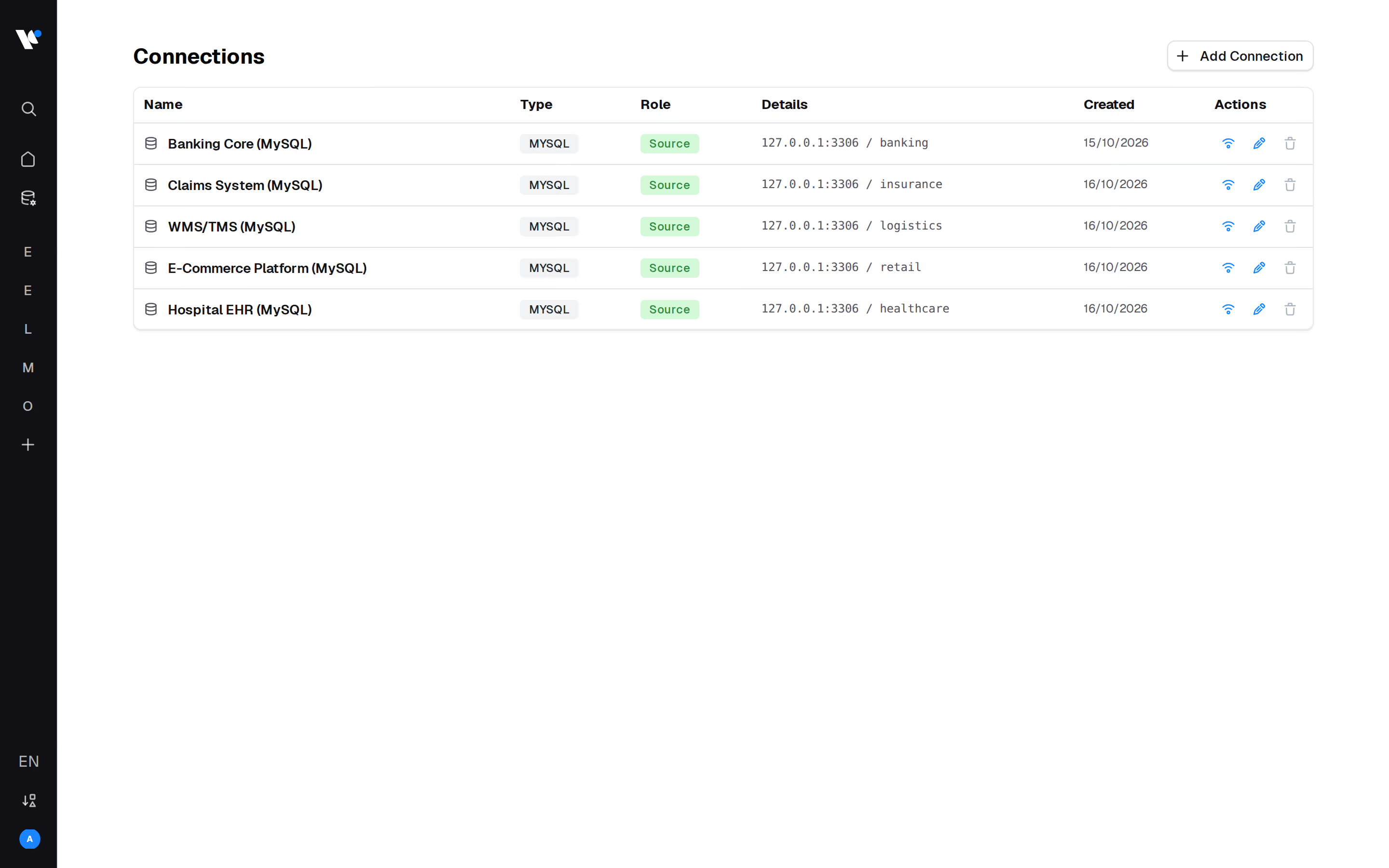
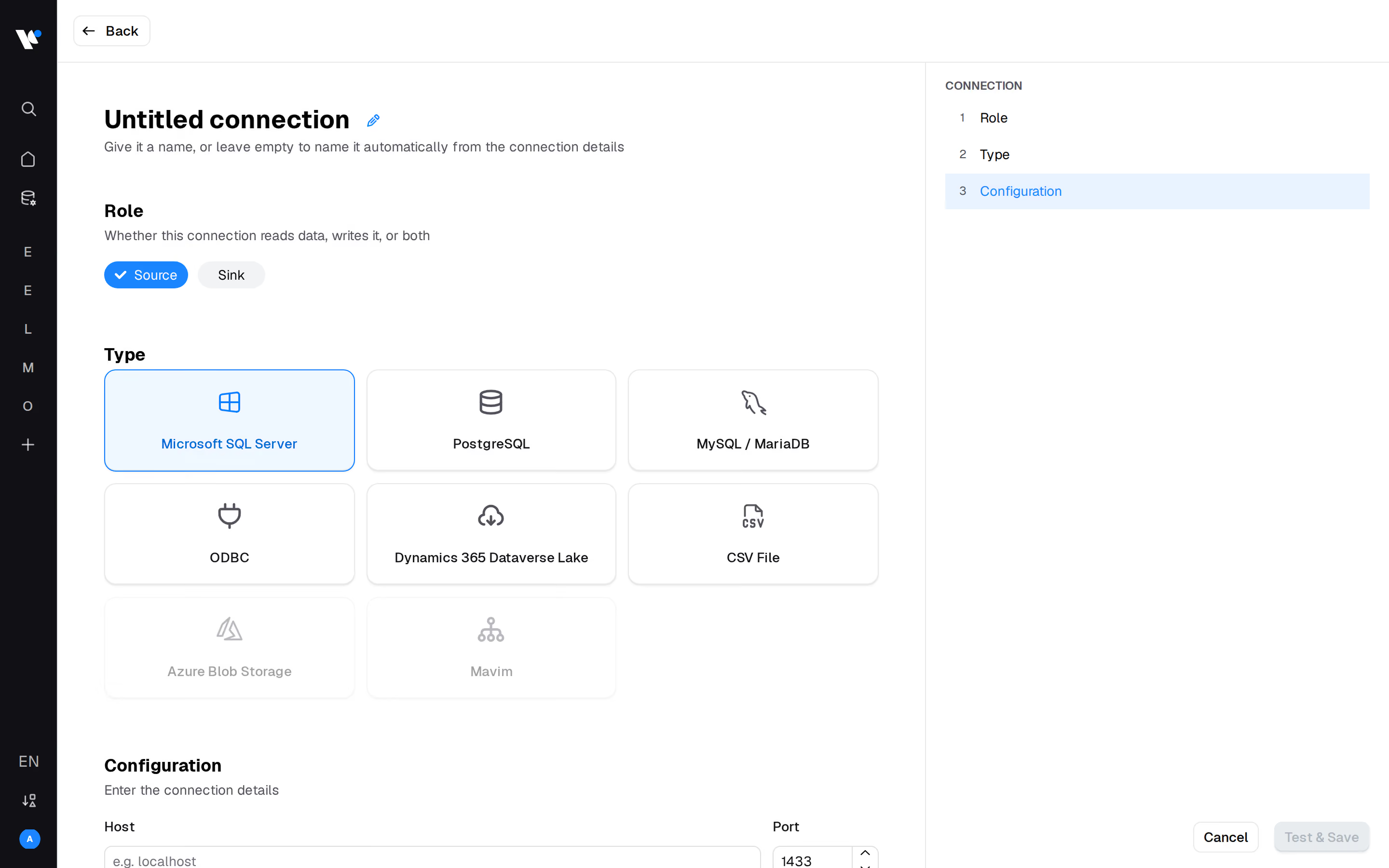




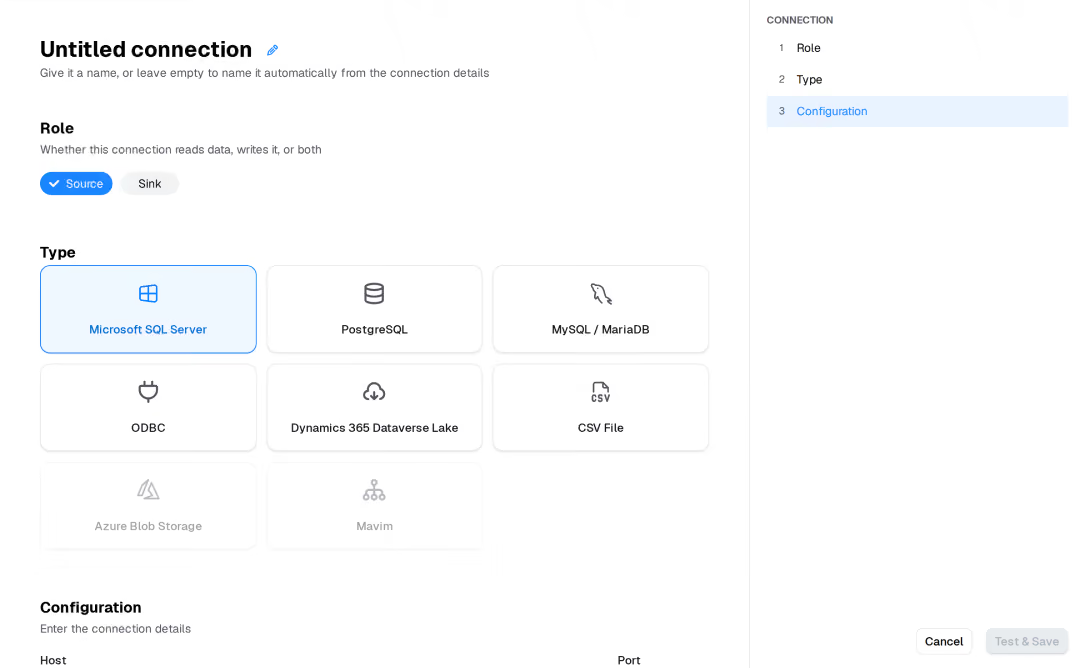
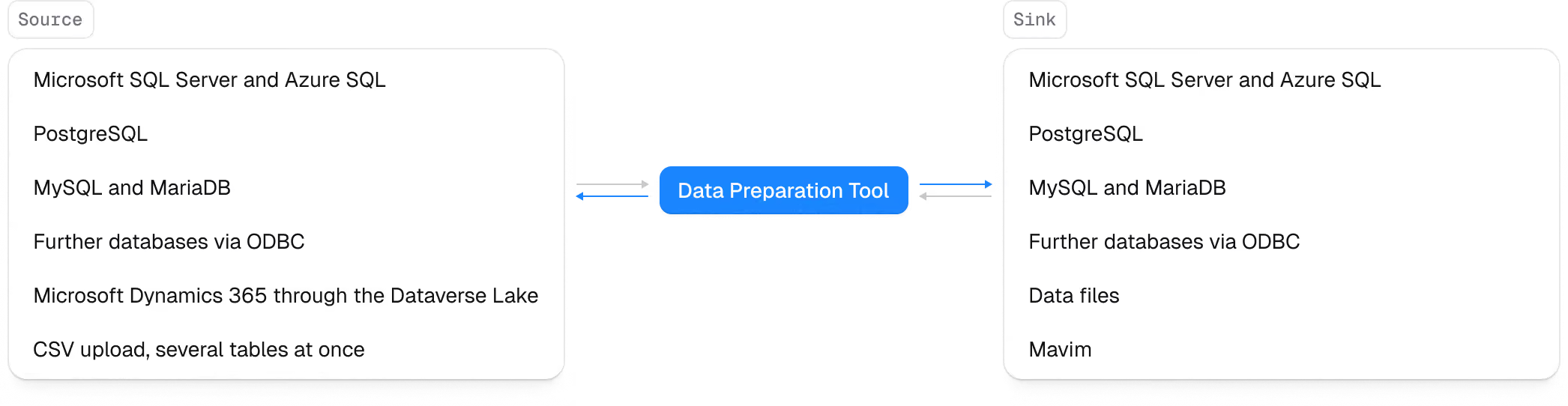
Microsoft SQL Server and Azure SQL, PostgreSQL, MySQL and MariaDB directly, further databases via ODBC, Microsoft Dynamics 365 through the Dataverse Lake export, and CSV upload for several tables at once. SAP is read through its database, which is why the SAP templates work independently of your SAP release. Results can be written back to any of those databases, handed over as data files, or sent to Mavim.
No. The tool reads from and writes to your own databases, so the data stays in the environment you operate. Passwords and access tokens are stored encrypted, access is organised by workspace, and runs scale out across workers when volumes grow.
It is not a general-purpose ETL tool and does not try to be. Power Query and similar tools move and reshape data without knowing what a process is. The Data Preparation Tool is built for one job: turning operational tables into an event log, with activities, cases, variants and master data already in place. You can keep using Power Query for everything else.
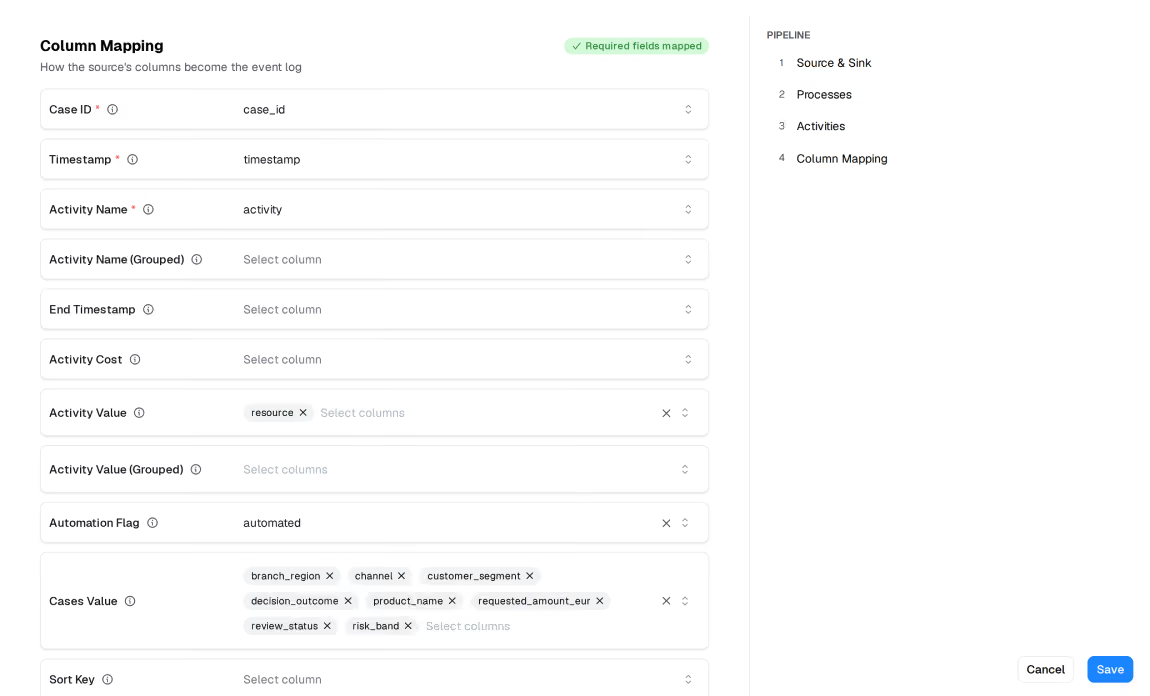
Once the connection is in place and you have chosen a template, the first run is a matter of minutes rather than weeks, because the mapping work is already done. What takes time is agreeing which activities belong in your process, and that is a conversation with your own people, not a data engineering task.
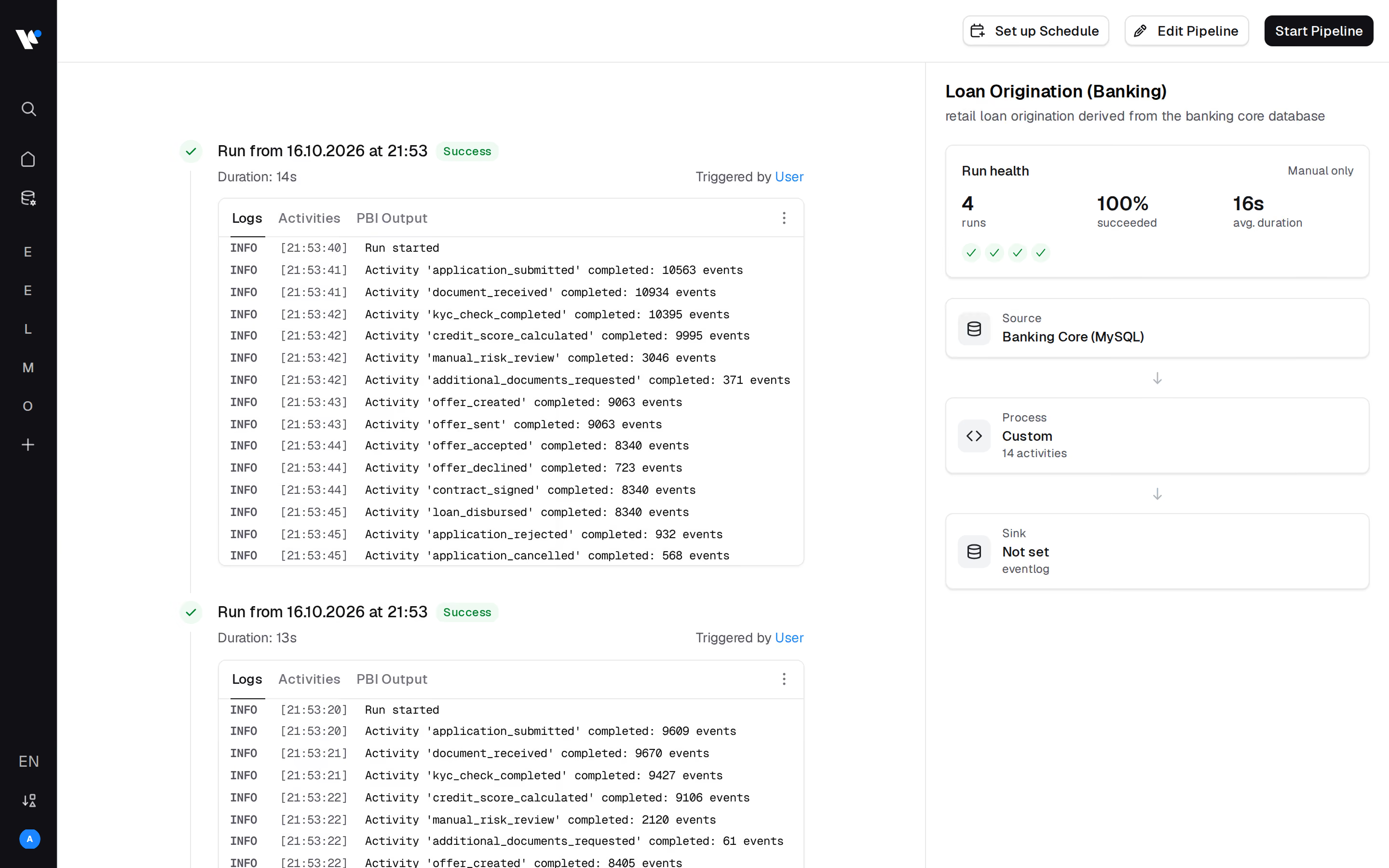
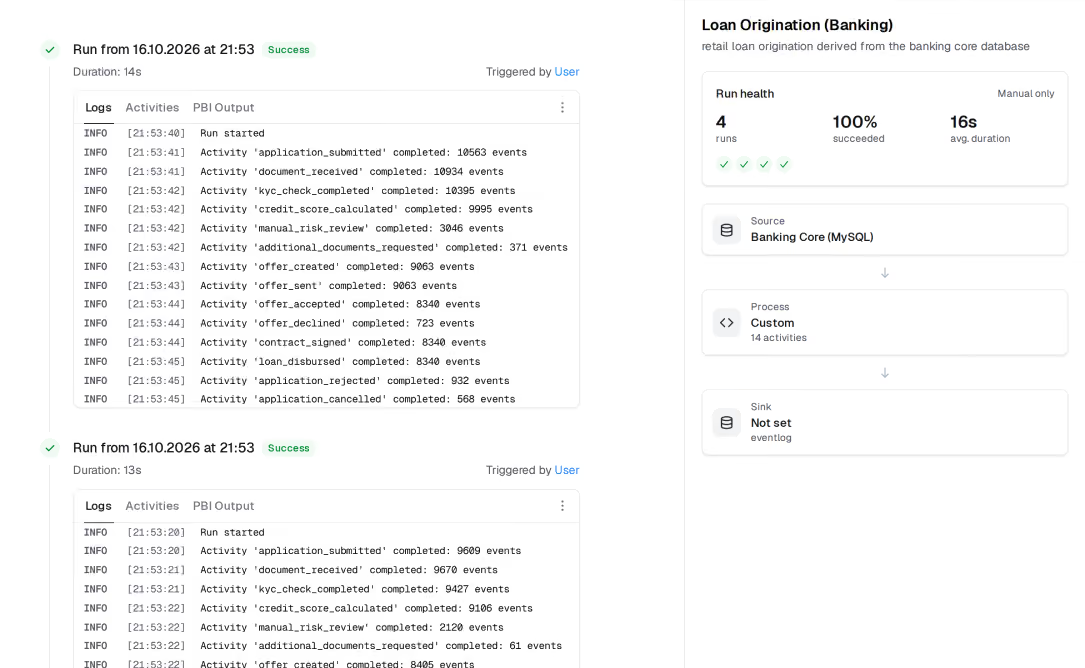
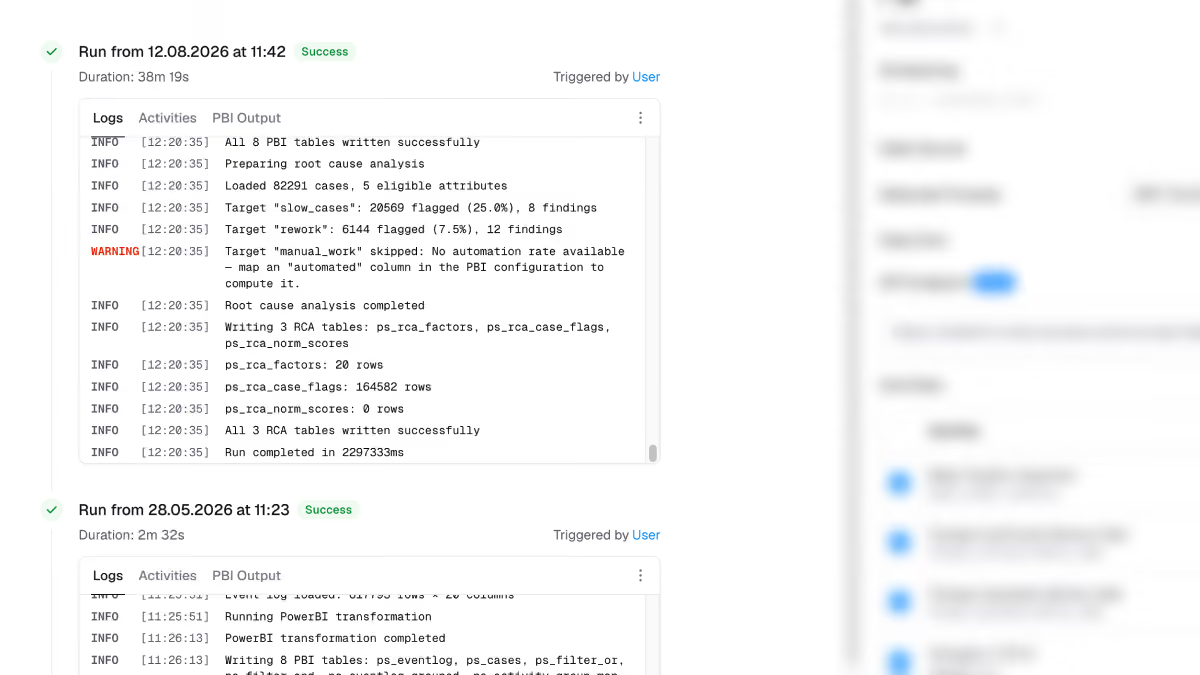
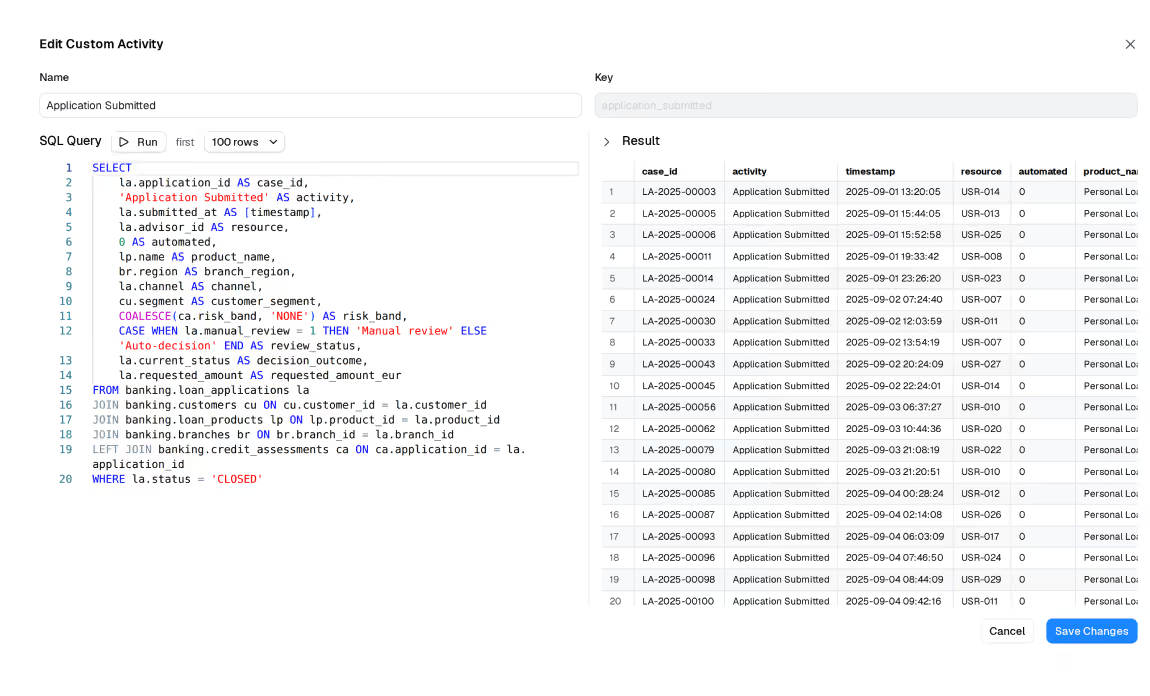
A template is a set of SQL steps you can read and edit. If a field moves or a table is renamed, you adjust that step instead of rebuilding a pipeline. Every run is logged with event counts and durations per activity, so a change in the source shows up as a change in the numbers.
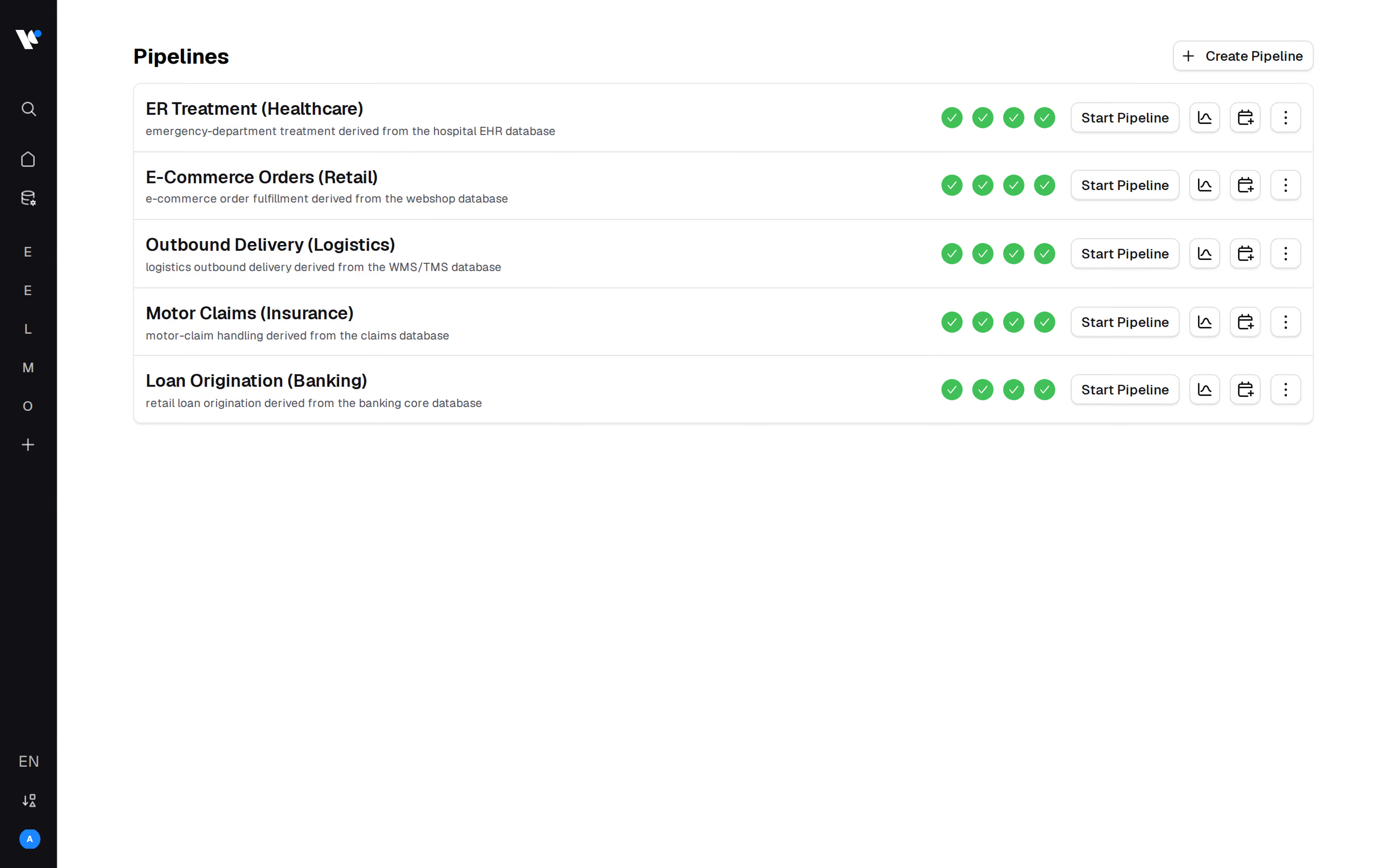
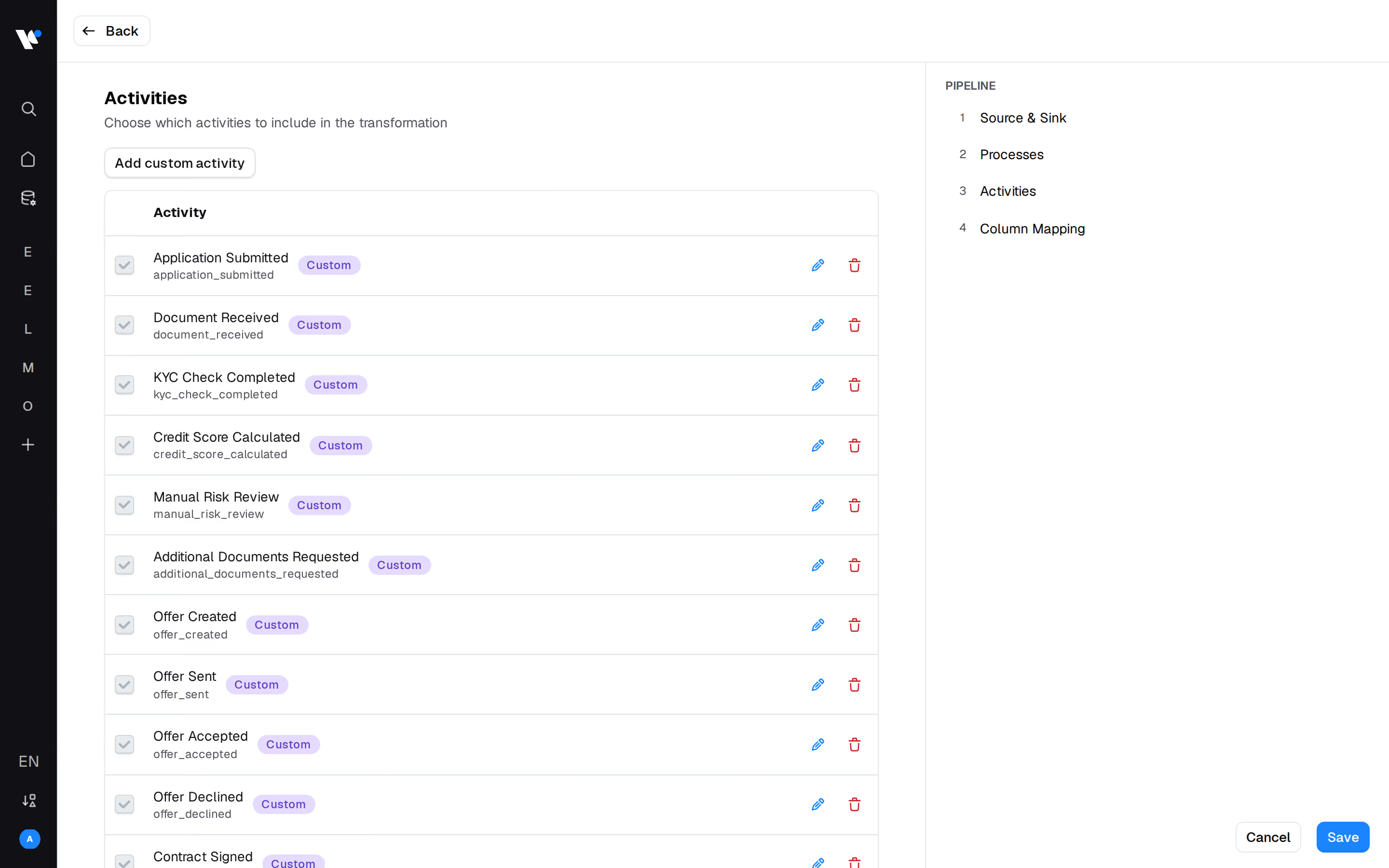
Yes. You can start from a template and add your own activities and preparation steps, or build a custom process from scratch. In both cases the output has the same structure as every other event log, so your reports keep working.